The day-to-day problem
Property notes, requests, vendor history, documents, and owner updates can be hard to keep aligned across a managed portfolio.
How StayLedger helps
Record units, tenants, leases, rent entries, maintenance, contractor details, expenses, documents, and owner-facing updates in one workspace.
Product demonstration
See the workspace and how a record moves through it.
Explore the property dashboard, details, maintenance, financial summaries, and owner updates. Reports use owner-entered records; they are not verified accounting.
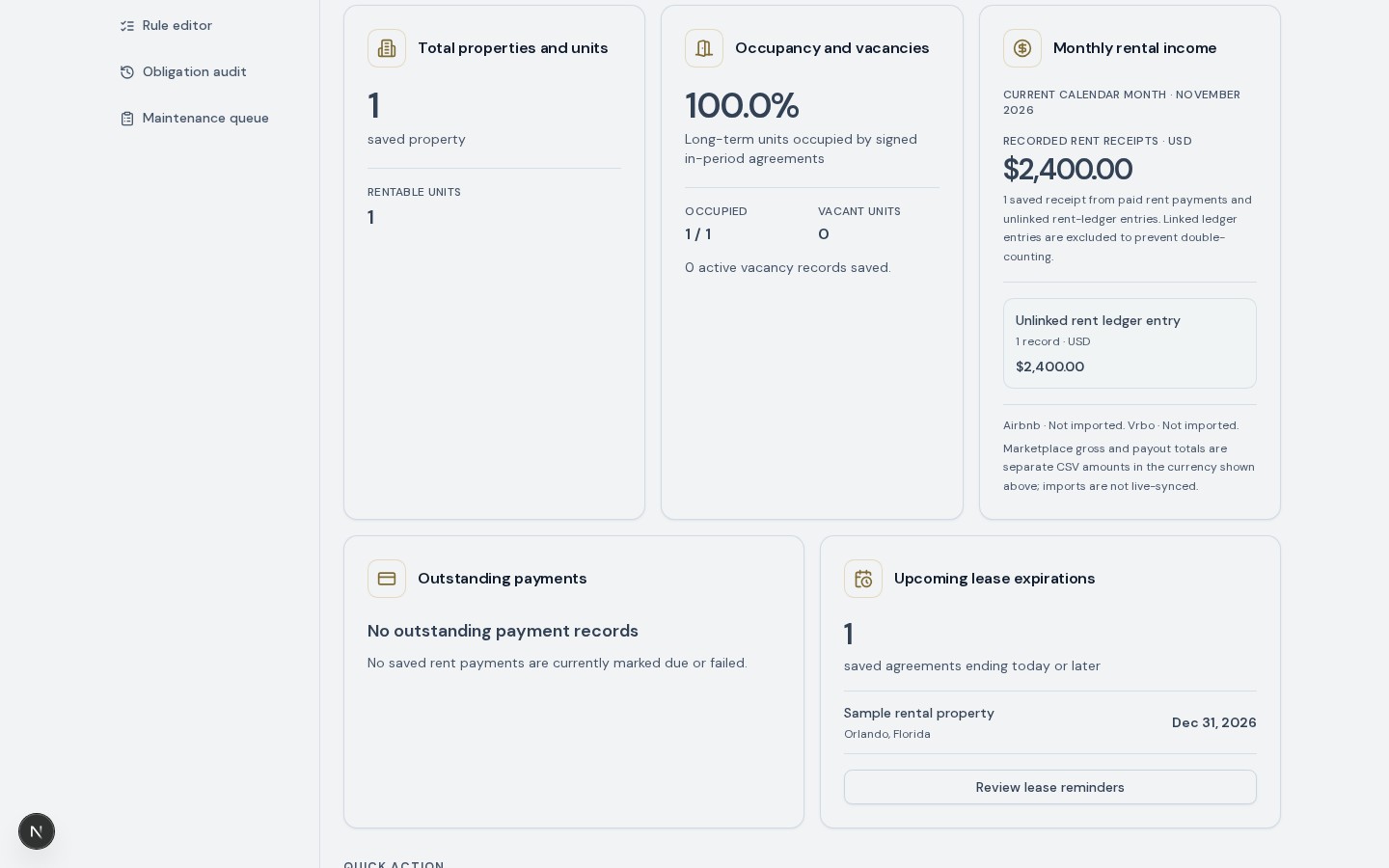
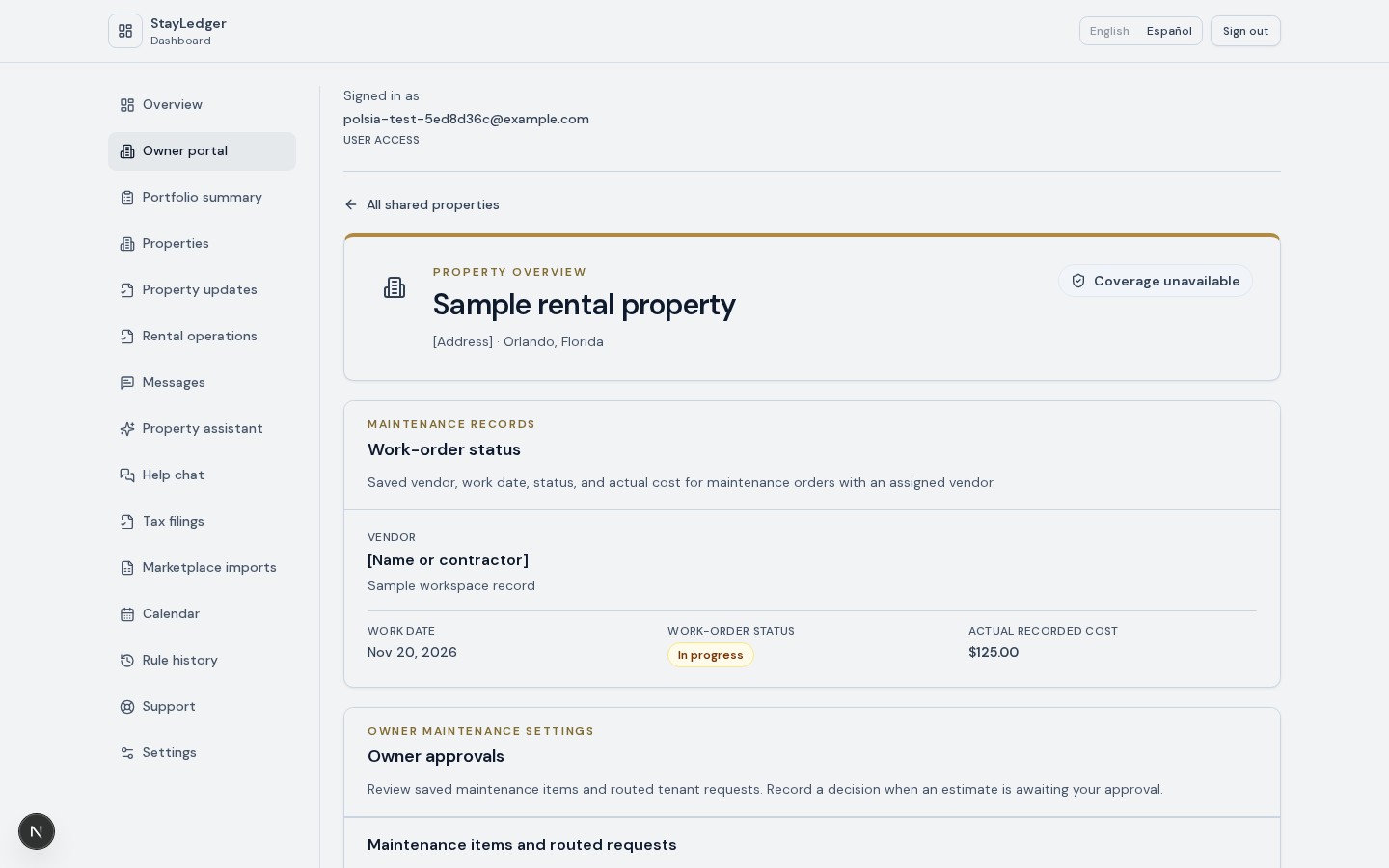
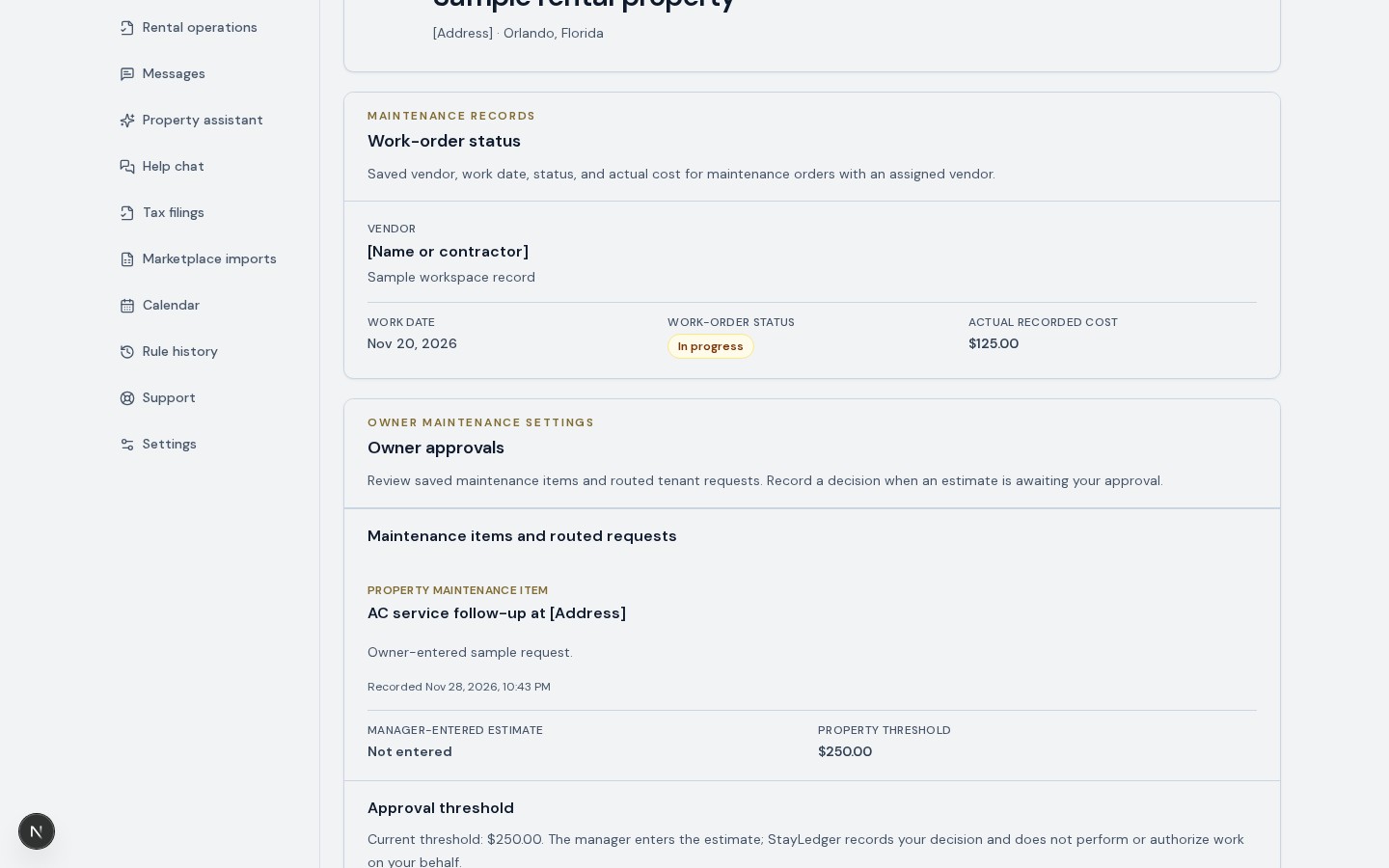
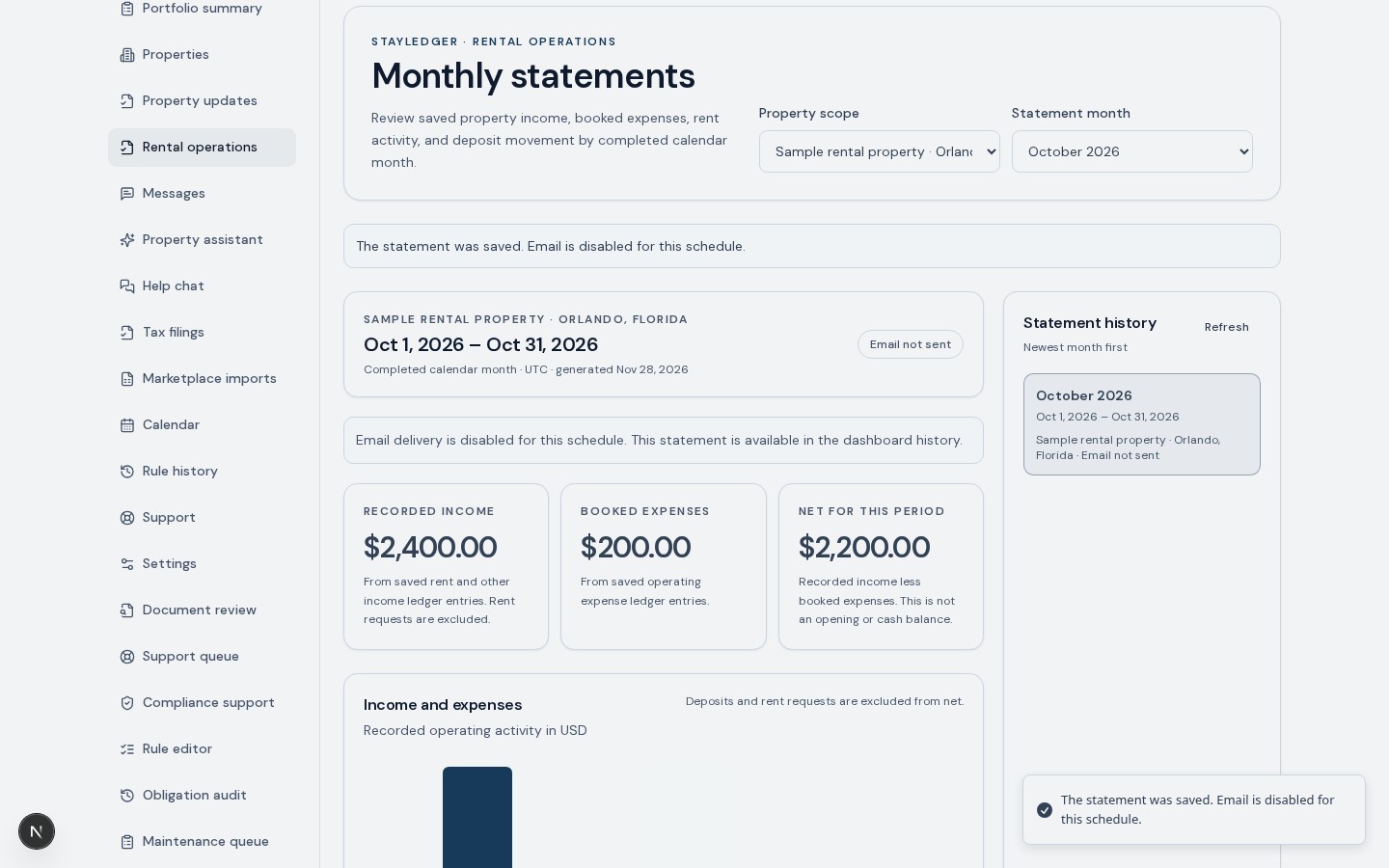
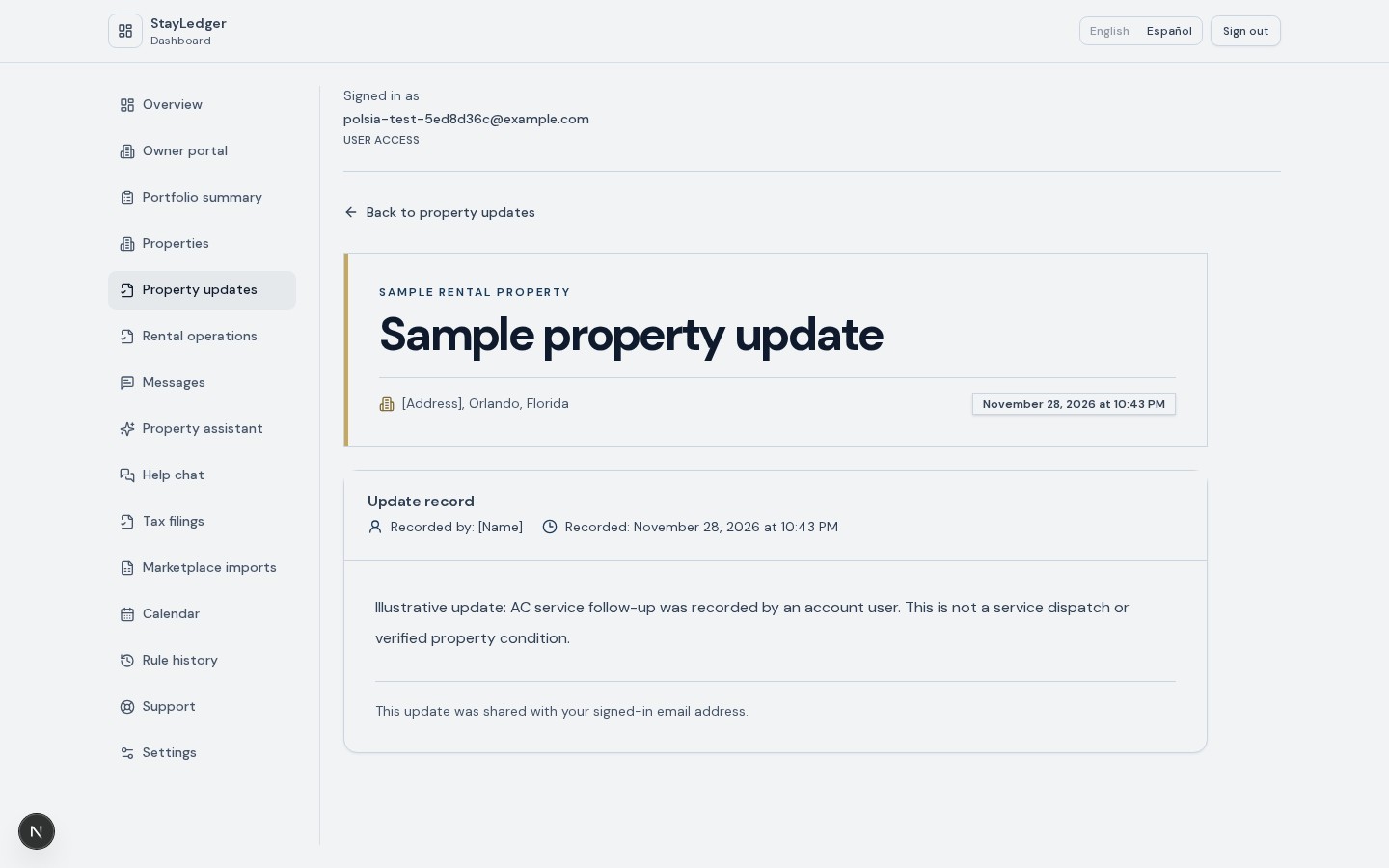
These are captures of real StayLedger screens. The records shown are synthetic examples, not customer records or endorsements.
Short walkthrough: Start at the property dashboard, open a property’s records, review a maintenance update, check the owner-entered financial summary, then see the selected updates available to its invited owner.
A practical example
Illustrative example: a manager logs a completed repair with its cost, then shares a selected property update with that owner account.
Questions and answers
Does StayLedger dispatch repair vendors?
No. Work can be recorded and followed in the workspace, but automatic repair dispatch is planned and unavailable.
Are extra user seats included?
StayLedger does not publish a numeric extra-user allowance. Selected owner access is available; confirm account needs with support.